12 White Gaming Setup Ideas That Look Clean Without Feeling Boring
A white gaming setup looks incredible in photos — bright, airy, almost futuristic. But when every piece of gear is the same flat shade of white, the room can tip from “clean” into “dental office” fast. The fix isn’t more white gear. It’s contrast, texture, and lighting that gives the white something to play against.
The 12 ideas below show how to keep a white gaming setup clean without making it boring: warm light temperatures, one strong contrast move, natural materials, and cable management that disappears. Each one works whether you’re building a full gaming room or styling a desk corner in your bedroom.
Start With Warm Light, Not White Paint

Cool daylight-white bulbs are what make most white setups feel clinical. Swap them for warm white (2700–3000K) in your desk lamp and LED strips, and the same furniture suddenly feels like a cozy studio instead of a lab. Warm light also photographs better — harsh white light blows out the whites in phone photos.
Practical tip: Set monitor bias lighting behind your screen to warm white instead of RGB rainbow. Your eyes strain less and the room keeps its clean look.
Anchor the Desk With a Dark Desk Mat
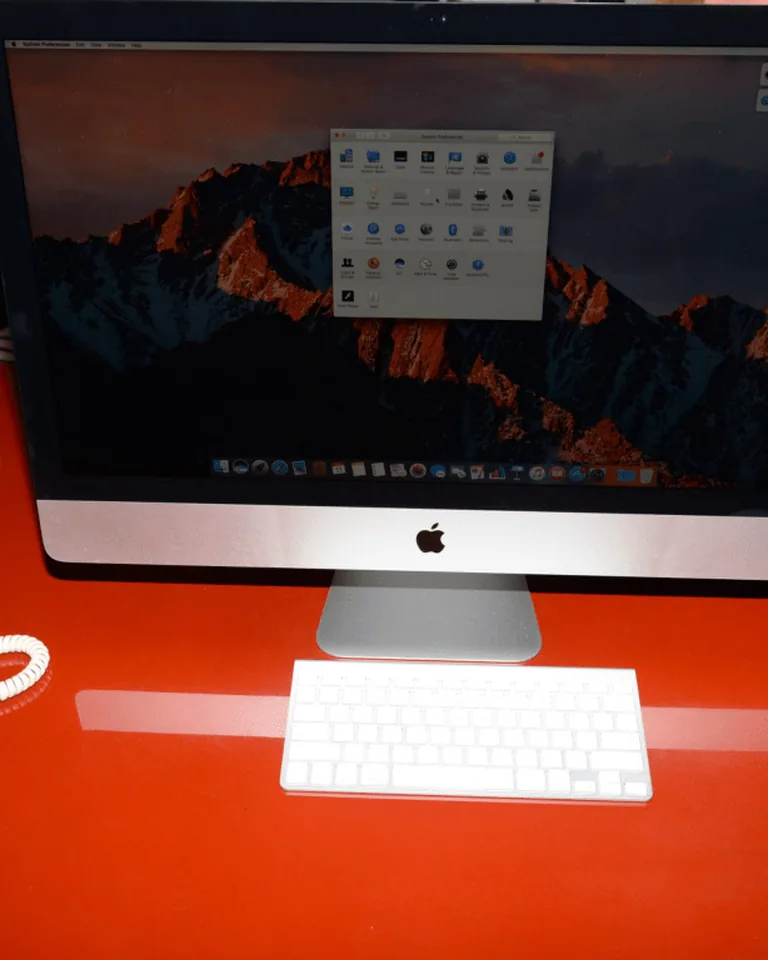
One big dark rectangle does more for a white setup than five small accessories. A charcoal or black full-desk mat grounds the keyboard and mouse, stops the white desk from blending into the white wall, and gives your eyes a visual “stage” for the gear. This single move fixes the washed-out look most white desks suffer from.
Practical tip: Match the mat’s edge tone to your monitor bezels so the whole center of the desk reads as one deliberate composition.
Choose an Oak Desktop for Natural Warmth

A pale oak or natural wood desktop breaks up an all-white room better than any decor. Wood brings organic grain into a space dominated by plastic and metal, and it photographs beautifully next to white peripherals. Light wood legs or shelving in the same finish carry the warmth through the rest of the corner.
Practical tip: Keep the wood tone pale — white oak or birch blends with the palette while walnut can make the contrast too dramatic.
Layer Cream and Ivory Instead of Pure White

Pure white everything flattens a room because the eye can’t tell surfaces apart. Mix in cream, ivory, and warm off-white in your chair upholstery, throw blanket, and curtains. These near-white tones add depth without adding color, which is exactly what a clean setup needs. If you’re pairing the desk with cozy bedroom decor, creams blend the gaming corner into the room instead of fighting it.
Practical tip: Buy fabrics in person or check reviews for undertone — a cream with yellow undertone clashes with a white that leans blue.
Pick One Pastel Glow Color and Commit

Rainbow RGB cycling is the fastest way to make a white setup look chaotic. Instead, pick one soft color — blush pink, mint, or icy blue — and run it across all your lighting at low brightness. A single glow color turns the white surfaces into a canvas that reflects your chosen mood, and it’s easy to change when you want a new vibe.
Practical tip: Keep the actual furniture neutral. When the lights are off, the setup should still look finished on its own.

Float the Desk to Keep the Floor Visible
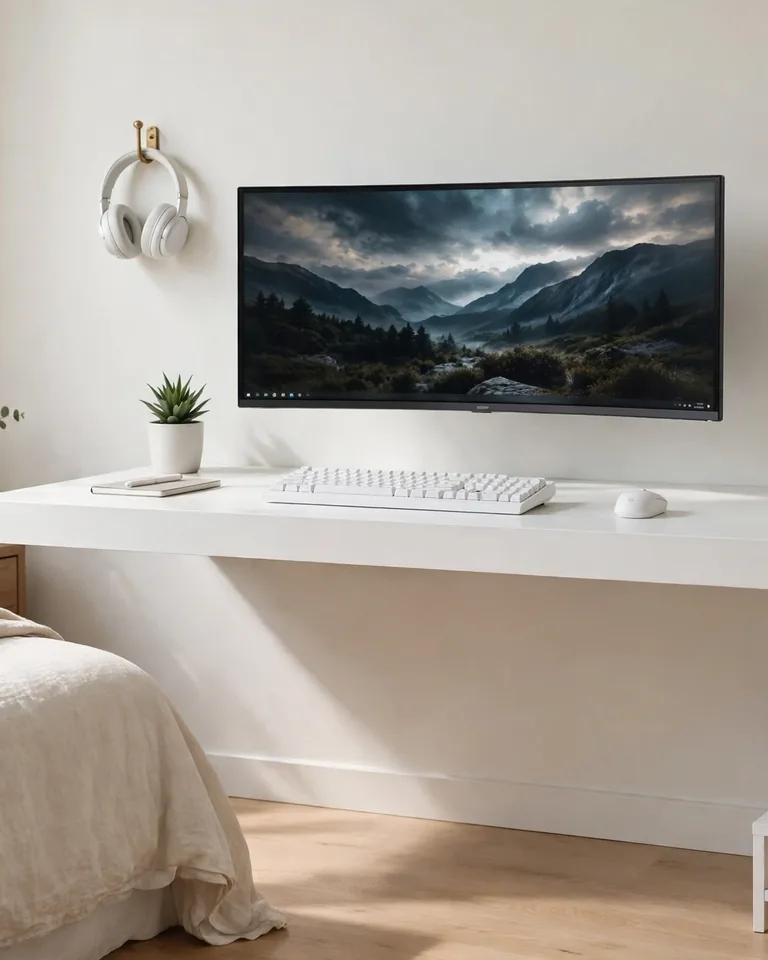
A wall-mounted floating desk makes a white setup feel twice as airy because the floor continues underneath. With no legs breaking up the space, the desk almost disappears against a pale wall — perfect for bedrooms and small rooms. A slim floating shelf above handles headphones and small gear without stealing floor space. For tight rooms, also think about how you arrange the furniture around the desk so the corner doesn’t swallow the whole room.
Practical tip: Mount into studs or use proper wall anchors — a floating desk must support your arms, monitors, and the occasional lean.
Add a White Pegboard Gear Wall
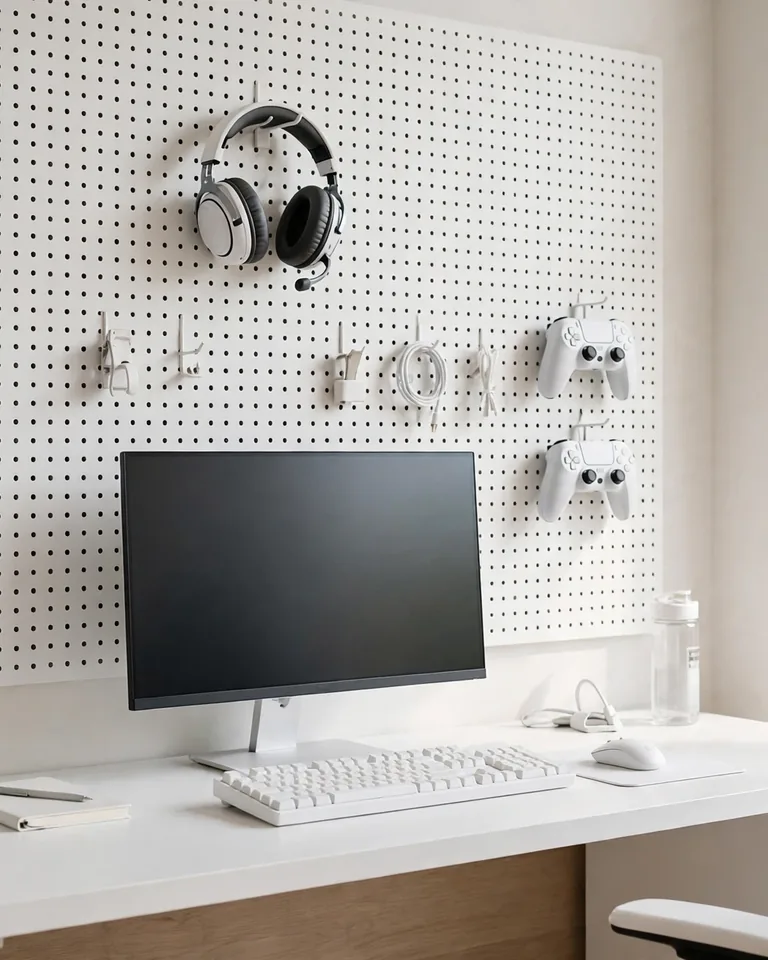
A white pegboard behind the desk turns headsets, controllers, and cables into wall art instead of desk clutter. Everything gets a fixed home, which keeps the desktop clear, and the grid pattern adds visual texture to an otherwise flat wall. Paint the pegboard the same white as the wall and it reads as architecture, not storage.
Practical tip: Hang items in balanced pairs or small groups rather than spreading them across the whole board — negative space is what keeps it looking clean.
Install Slatted Wood Panels Behind the Desk

All-white rooms lack texture, and texture is what keeps white interesting. Slatted wood panels (or acoustic felt panels in light tones) behind the desk add rhythm and shadow lines to the wall without introducing new colors. They also improve sound in the room, which matters if you stream or voice chat. If painting the wall is more your speed, a creative painted accent wall can give the same depth for less money.
Practical tip: Run panels only behind the desk zone, not the whole wall — a defined backdrop frames the setup like a stage.
Go High-Contrast With Black and White

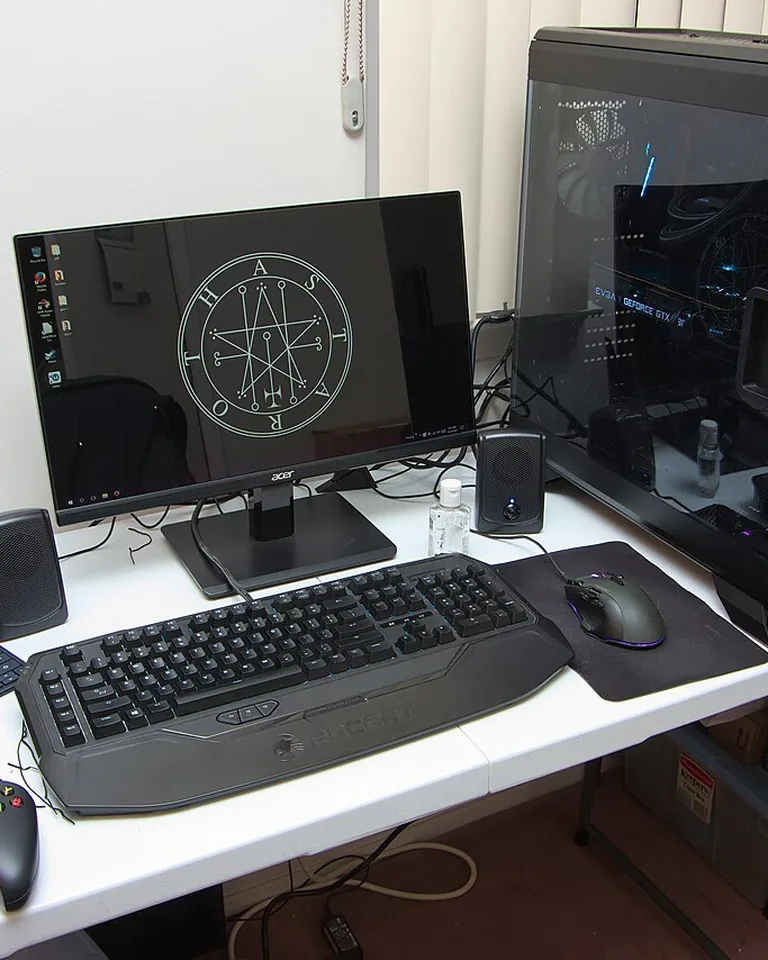
Some white setups fail because there’s nothing for the eye to lock onto. A deliberate black-and-white scheme fixes that: white desk and PC case, black monitors, black desk mat, black chair. The contrast makes every piece look sharper, and you don’t need a single color accent to keep it interesting. This is the easiest “boring-proof” formula for competitive players.
Practical tip: Keep the wall behind the monitors light so the dark screens pop against it instead of blending into a dark room.
Bring in Live Plants for Organic Contrast

Nothing fights sterile like something alive. A pothos trailing from a floating shelf, a snake plant in a white pot beside the desk, or a small succulent on the desk itself adds green that no LED can fake. Plants soften the hard tech edges and make the white look intentional rather than empty. Check greenery ideas for bedrooms if your setup shares space with your sleeping area.
Practical tip: Keep plants at least a foot from the PC’s air intake — dust and leaves near vents are asking for trouble.
Soften the Room With Textiles
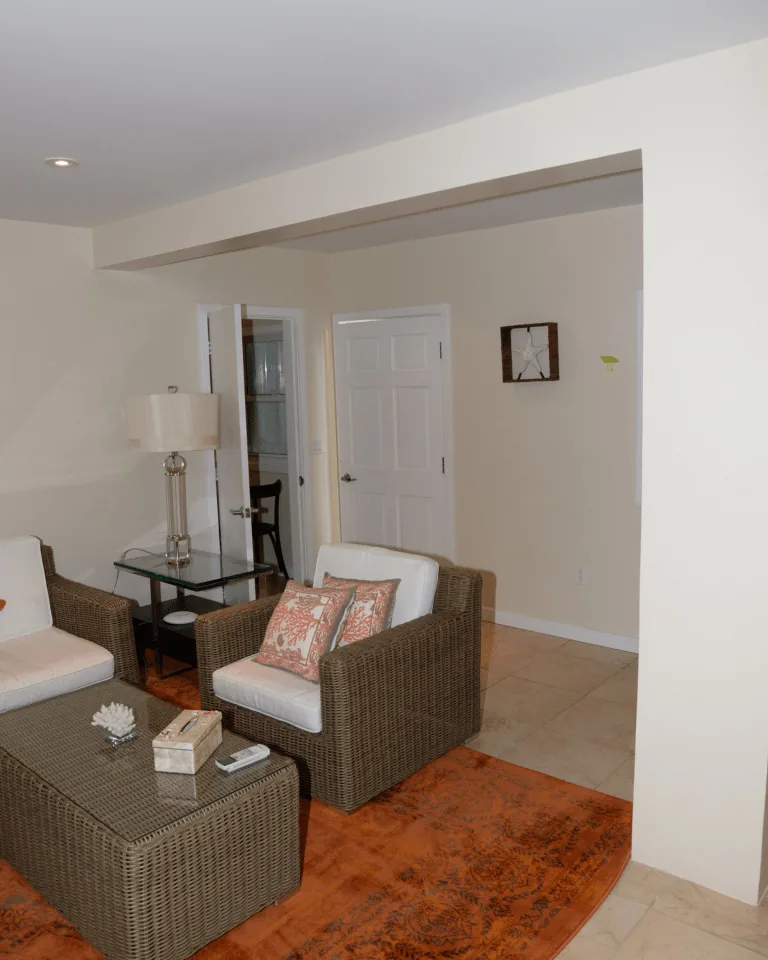
Gaming setups are all hard surfaces: glass, plastic, metal, laminate. A soft rug under the chair, blackout or linen curtains on the window, and a knit throw on the chair arm add the softness that makes a white room feel lived-in. Curtains are especially powerful near the desk since they control the daylight that washes over your screens. Browse curtain ideas for windows if your desk sits against the glass, or skip curtains entirely with window coverings that aren’t curtains.
Practical tip: A low-pile rug rolls clean under a gaming chair; high-pile rugs fight your chair wheels every single day.
Keep It Rental-Friendly With No-Drill Styling
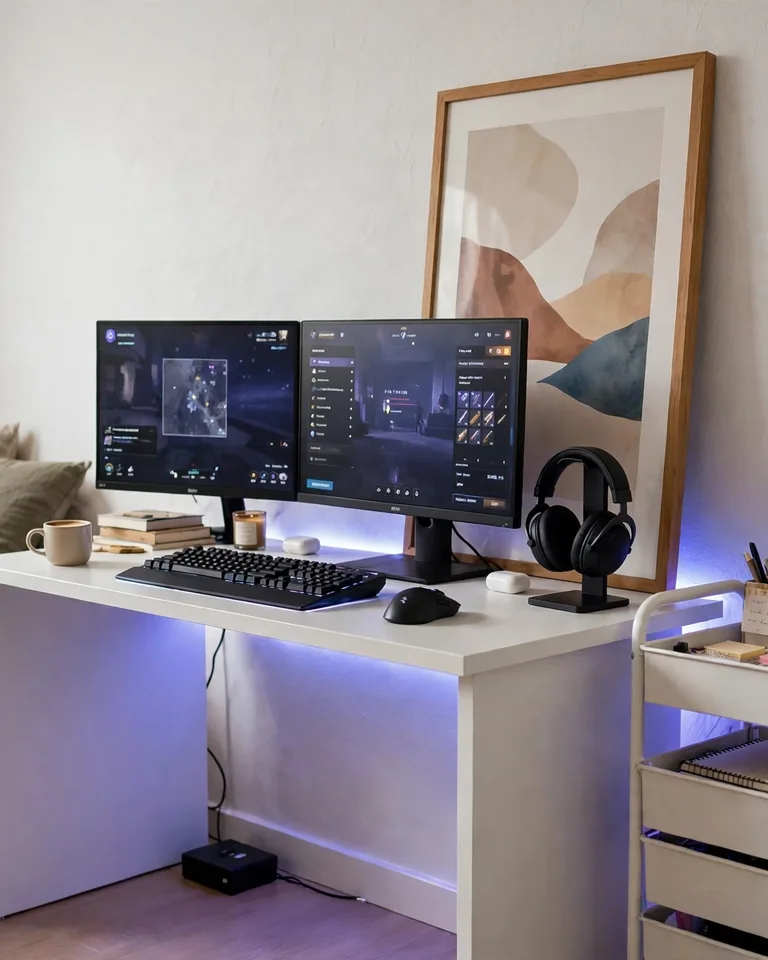
You don’t need to drill or paint to kill the boring. Lean a large framed print against the wall behind the desk, use adhesive LED channels and command-strip cable raceways, and style a rolling cart beside the desk for gear storage. Everything comes down cleanly when you move, but the setup still looks deliberate and finished right now.
Practical tip: White cable raceways painted the same color as the wall vanish completely — cords are what make white setups look messy more than anything else.

Frequently Asked Questions
How do I keep a white gaming setup from looking sterile?
Add three things: warmth, texture, and one contrast move. Warm lighting (2700–3000K), a wood or fabric surface, and a dark desk mat or black accent will pull a white setup out of “hospital” territory without adding clutter. Plants and textiles do the same job with even less effort.
Will white peripherals yellow over time?
They can — plastic yellows from UV light and skin oils over years. Keep the setup out of direct sunlight, wipe peripherals down weekly with a damp microfiber cloth, and avoid harsh cleaners. Anti-yellowing sprays made for electronics exist, but regular gentle cleaning does most of the work.
How do I use RGB lighting without ruining a white aesthetic?
Use one color at a time at low brightness, and aim it at the wall behind the desk rather than at the desk itself. Soft pastels or warm white look best against white surfaces; avoid cycling rainbow modes, which turn the room visually noisy. When in doubt, static white bias lighting is the safest choice.
What’s the cheapest way to get a white gaming setup?
Don’t replace everything — change the surfaces. A white desk mat, white LED strips, and a coat of white paint or contact paper on existing shelves transform a dark setup for under $100. Add one or two white focal pieces, like a white chair or white PC case lighting, and the whole corner reads as white without a full rebuild.
How do I keep a white gaming station looking clean?
Cable management is 80% of it: route cables behind the desk, use a cable tray or raceways, and secure everything so nothing dangles. Then build a two-minute reset habit — put controllers and headsets back on their hooks or shelves after each session. White shows dust faster than dark gear, so a quick weekly wipe keeps it fresh.