12 Black Gaming Setup Ideas That Look Sleek Without RGB Chaos
A black gaming setup looks sharp when it has contrast, breathing room, and lighting that knows when to stop. It is not about buying the most expensive PC — a matte-black desk, one considered accent light, and invisible cables will beat a room full of rainbow LEDs every time.
Black is forgiving as a base color but unforgiving of mess. Every fingerprint, cable, and dusty corner shows up harder on dark surfaces than on light ones. These 12 black gaming setup ideas solve that from the start: controlled finishes, layered light, honest cable management, and layouts that fit real bedrooms and apartments — no RGB chaos required.
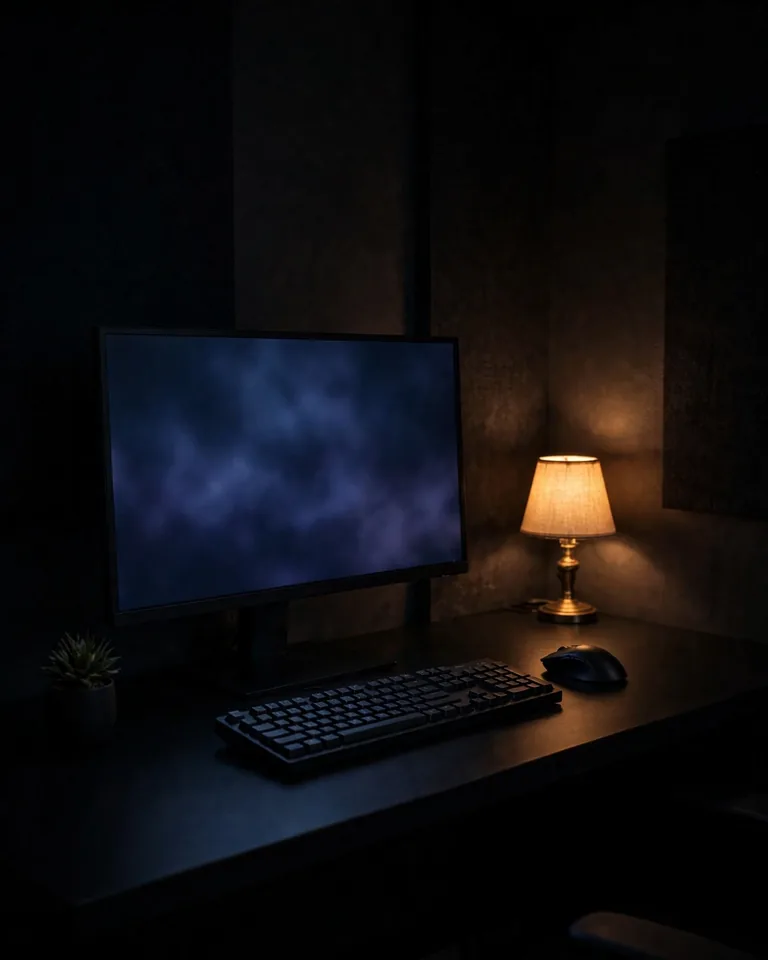
1. Matte Black Minimalist Battlestation

This is the purest version of the look: a wide matte-black desk, black monitor bezels, a black keyboard and mouse, and nothing on the surface that does not earn its place. Matte finishes matter more than brand names here, because they absorb light instead of throwing hotspots at your camera or your eyes.
Practical tip: Choose a desk with a cable tray already built in, and switch to a wireless keyboard and mouse. Two fewer cables means the minimalist illusion holds even during a long session.
2. Black and White Monochrome Contrast Corner
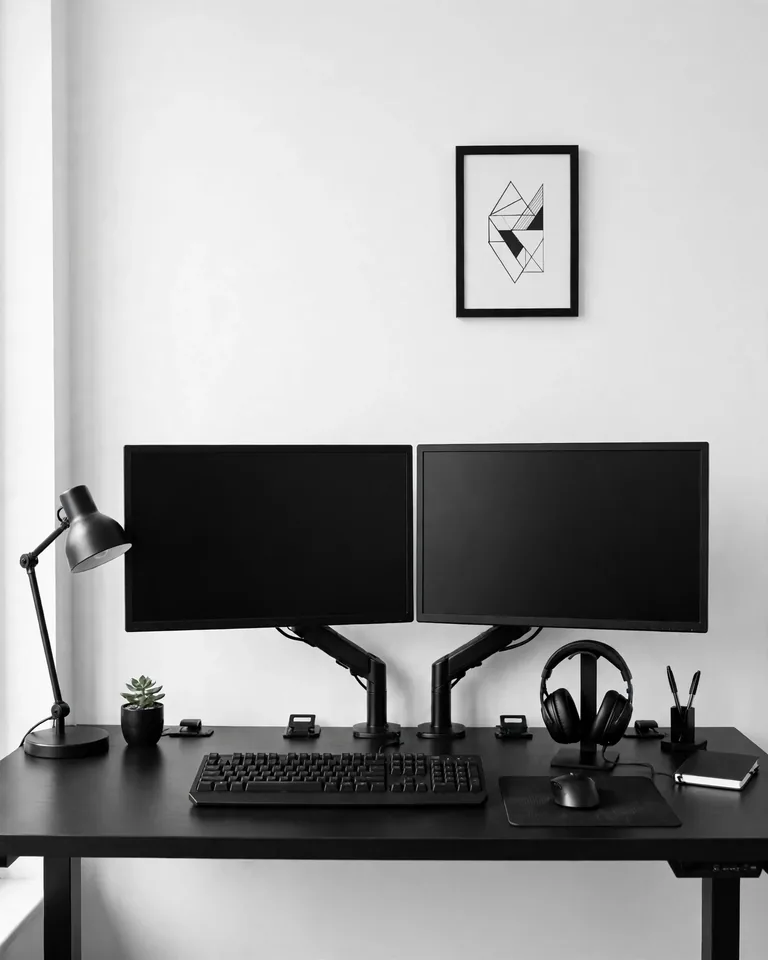
An all-black room can feel heavy, especially in a small space. The fix is a deliberate white accent — a white wall behind a black desk, a white desk mat under black peripherals, or white keycaps on a black keyboard. The contrast keeps the setup graphic and sharp instead of letting it read as a dark void.
Practical tip: Limit yourself to two colors plus one metallic (silver or gold). Three tones total keeps monochrome setups cohesive; a fourth is where they start looking accidental.
3. One-Accent RGB: Pick a Single Color
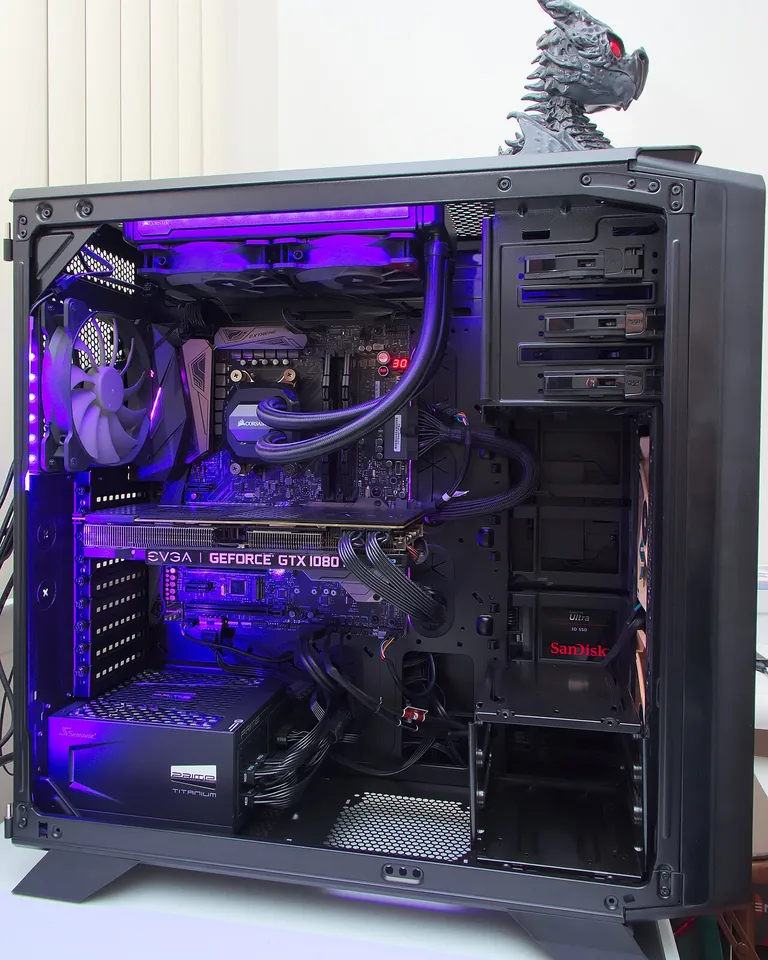
RGB is not the enemy — rainbow is. Choose one accent color, like cyan or magenta, and repeat it in exactly three places: behind the monitor, under the desk, and in one small wall detail. A single color reads intentional and cinematic, while six colors read like a light show.
Practical tip: Sync every light through one app (your motherboard software or a smart strip controller) so the accent stays exactly the same shade everywhere. Mismatched “blue-ish” tones are what make RGB look cheap.
4. Neon Underglow for a Floating Desk Effect
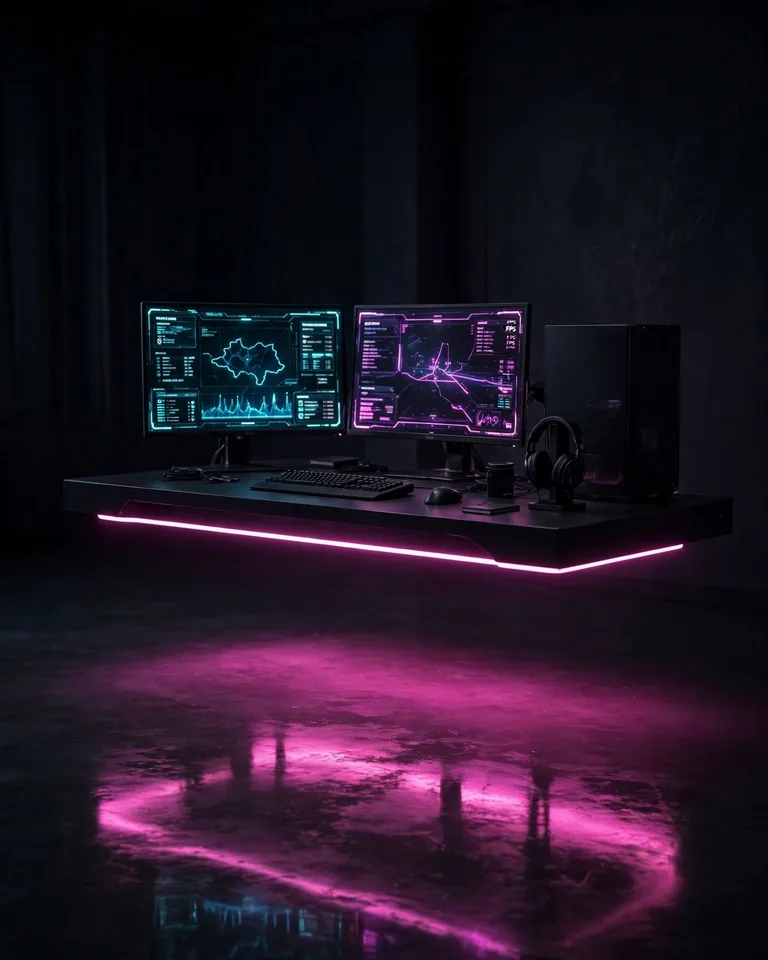
A strip of LED mounted under the desk edge throws a soft halo on the floor and makes a heavy black desk look like it is levitating. It is the cheapest visual upgrade with the biggest payoff — a budget strip costs less than a game and transforms the whole room at night.
Practical tip: Use a diffused strip or a channel cover so you see a smooth glow, not individual hot dots. Exposed LED dots along the edge never look premium, no matter what the product listing claims.
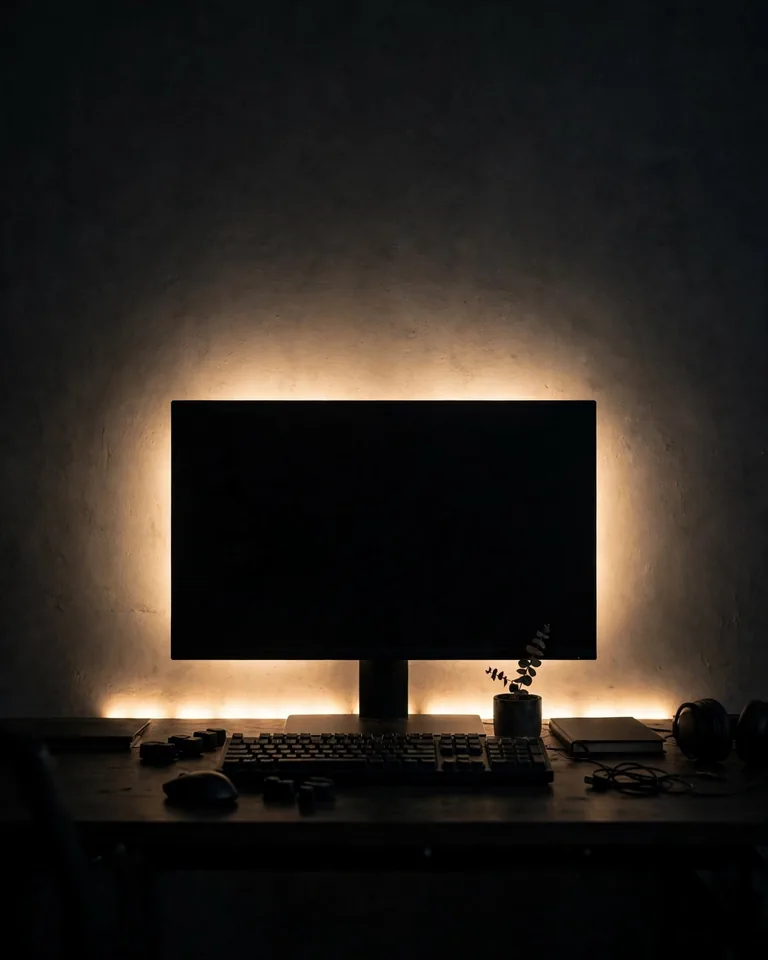
5. Black Gaming Corner in a Small Bedroom
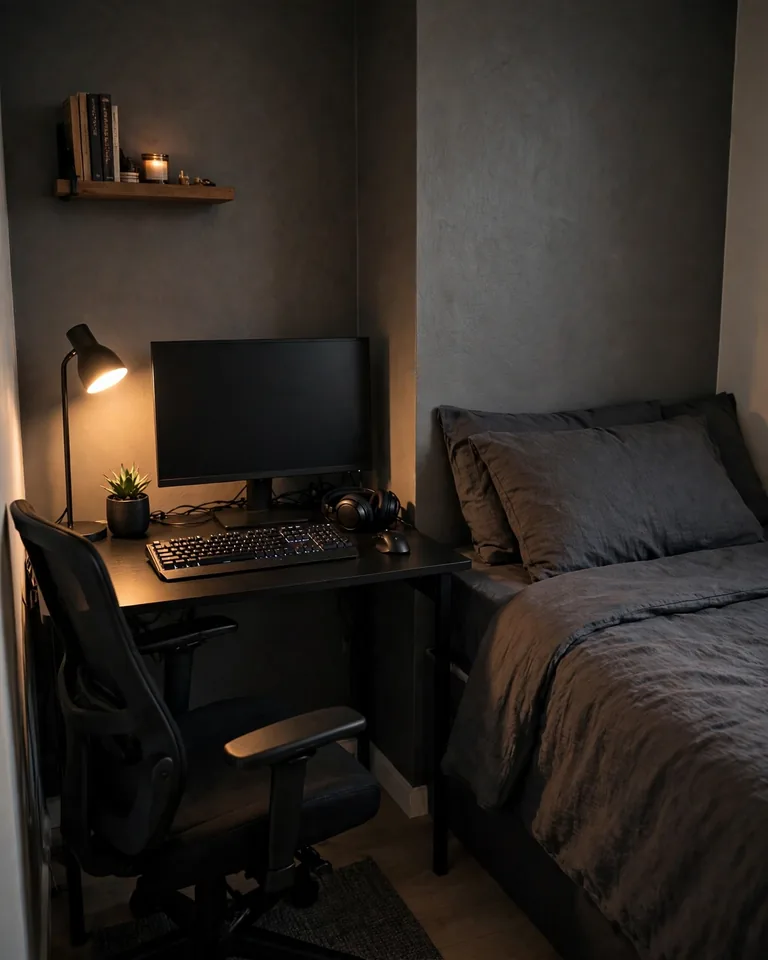
Bedroom setups share the room with the bed, so the desk has to stay compact and tidy. Put a slim black desk against a clear wall, wall-mount the monitor or use a single monitor arm, and pick a chair that tucks fully under the desk when you are done. Keep the walkway between bed and desk clear — measure the chair’s pulled-out position, not just the desk footprint, before buying.
Practical tip: Steal a zoning trick from bedroom design: match your moody bedroom tones in the setup corner so the desk and bed read as one intentional space instead of two fighting ones.
6. Black and Walnut Wood Hybrid Desk
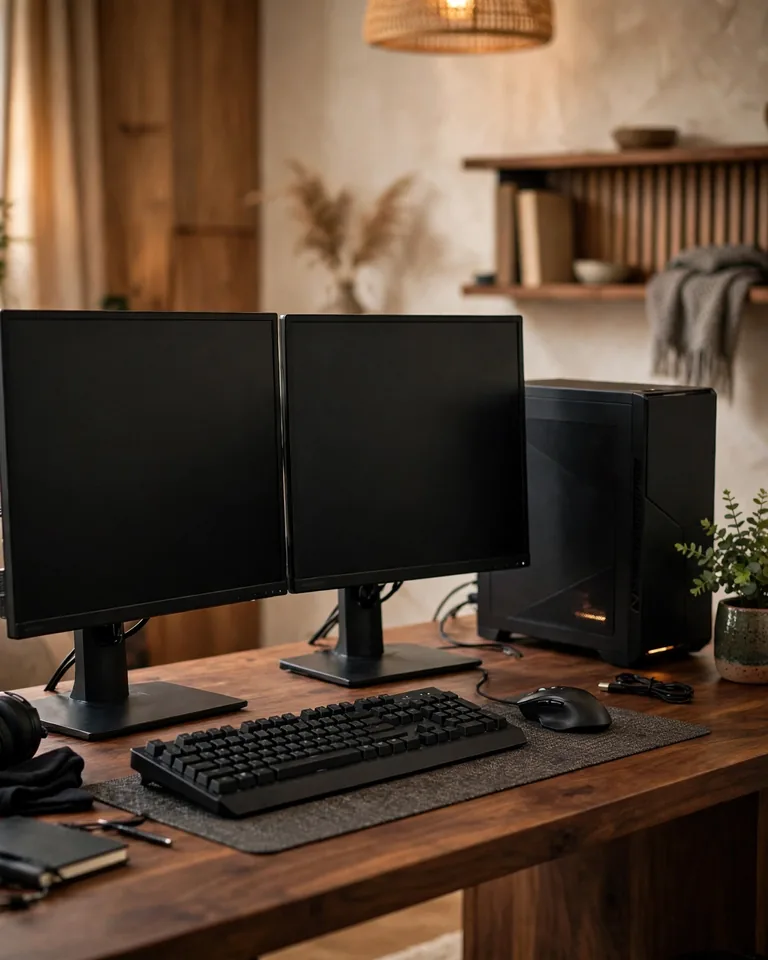
Black hardware on a warm walnut desk is the setup world’s equivalent of a good suit — sharp but approachable. The wood grain breaks up the technical look, photographs beautifully, and suits anyone who wants a gaming space that does not scream “gamer cave” during the day. Warm amber or soft-white light pairs with wood far better than icy RGB.
Practical tip: Add a small live plant or a wooden headphone stand. One or two natural textures are enough; a whole botanical garden is a cleaning obligation you will regret.
7. Dual-Monitor Black Battle Station

Two matching black monitors on a single dual arm give streamers and multitaskers symmetry that two random desk stands never will. Keep the bezels identical and the heights aligned — mismatched monitors are the fastest way to make an expensive setup look thrown together.
Practical tip: Run one continuous bias light across the back of both screens. It softens the contrast between bright screens and a dark room, which cuts eye strain during long sessions.
8. Ultrawide Single-Screen Minimalist Setup
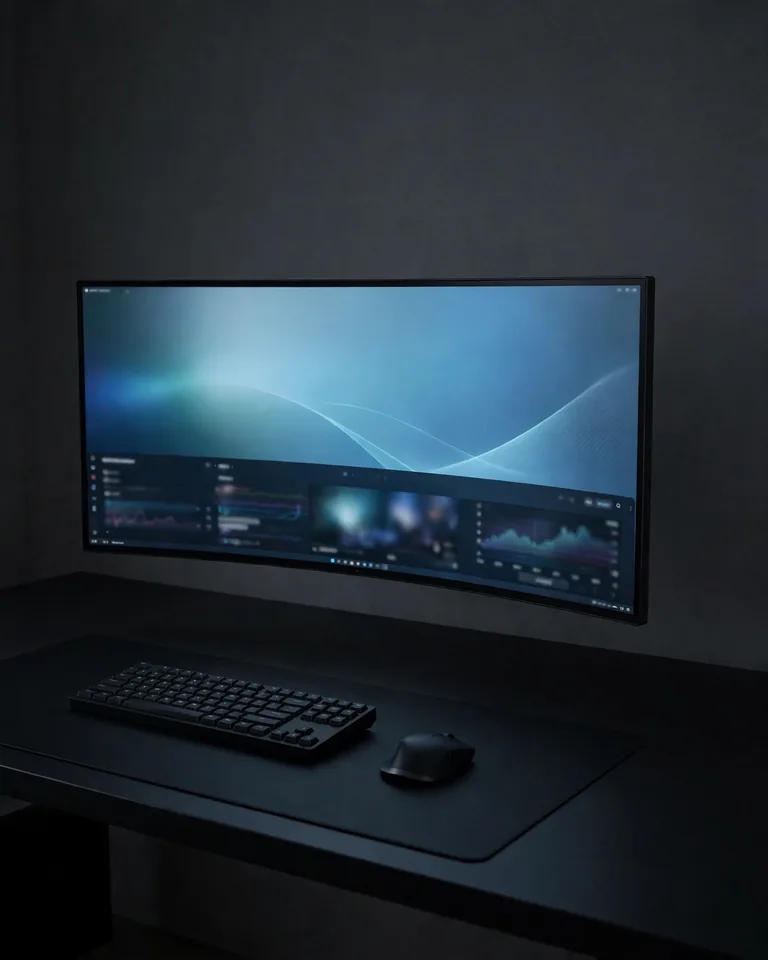
One ultrawide monitor replaces the dual-screen shuffle with a single clean horizontal line, which suits a black minimalist setup perfectly. The desk stays almost empty: keyboard, mouse, and a wide expanse of dark surface that makes the screen the undisputed focal point.
Practical tip: Give the empty desk space a job — a large desk mat that defines the keyboard and mouse zone stops the blank area from collecting clutter.

9. Black Wall Panels + Acoustic Felt Behind the Desk
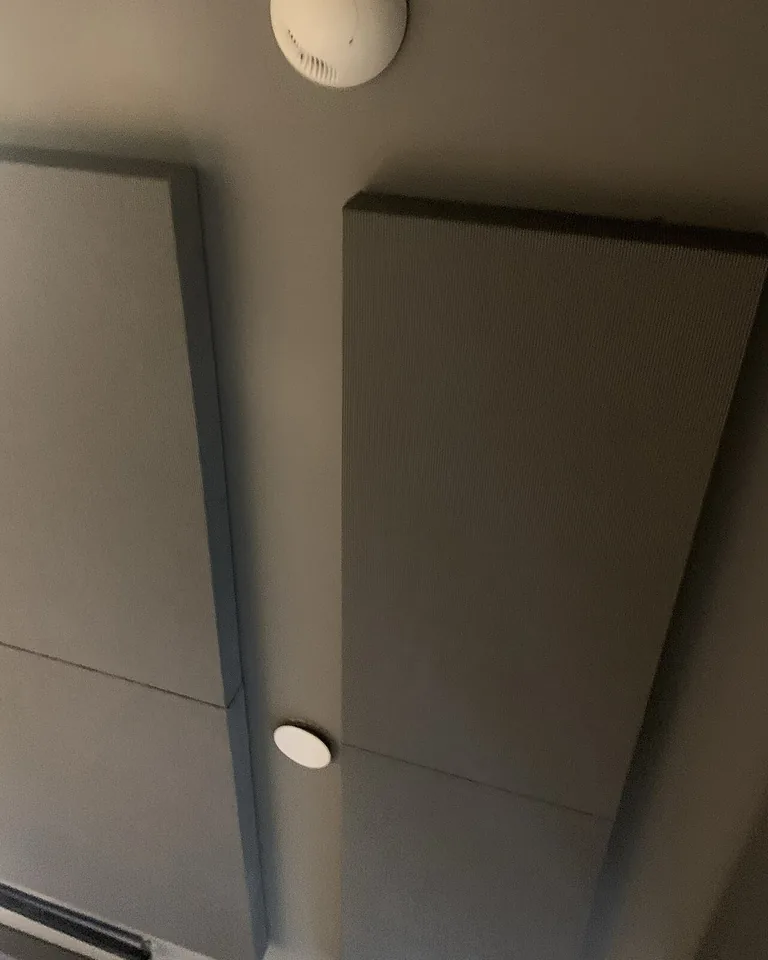
Charcoal or black acoustic felt panels behind the desk do double duty: they add the texture that flat black walls lack, and they tame echo for voice chat and streaming. Arrange hexagons or slats in a geometric pattern, then trace them with a slim LED line in your accent color for a look that feels designed, not improvised.
Practical tip: Panels also improve your microphone audio more than a budget mic upgrade would. If your room is echoey, treat the wall before buying new gear — these ceiling-friendly panel ideas work on ceilings too if the echo is bad.
10. Warm Amber Backlighting for Cozy Late Nights

Constant cool-blue RGB gets tiring after midnight. A warm amber glow behind the monitor and a shaded floor lamp give the same black setup a completely different personality — a quiet den instead of an esports arena. It is the better default for mixed-use rooms where someone else might be trying to sleep.
Practical tip: Use a smart bulb or strip with preset scenes so you can switch between “raid night” intensity and a calm warm mode without reprogramming anything.
11. L-Shaped Black Corner Command Center
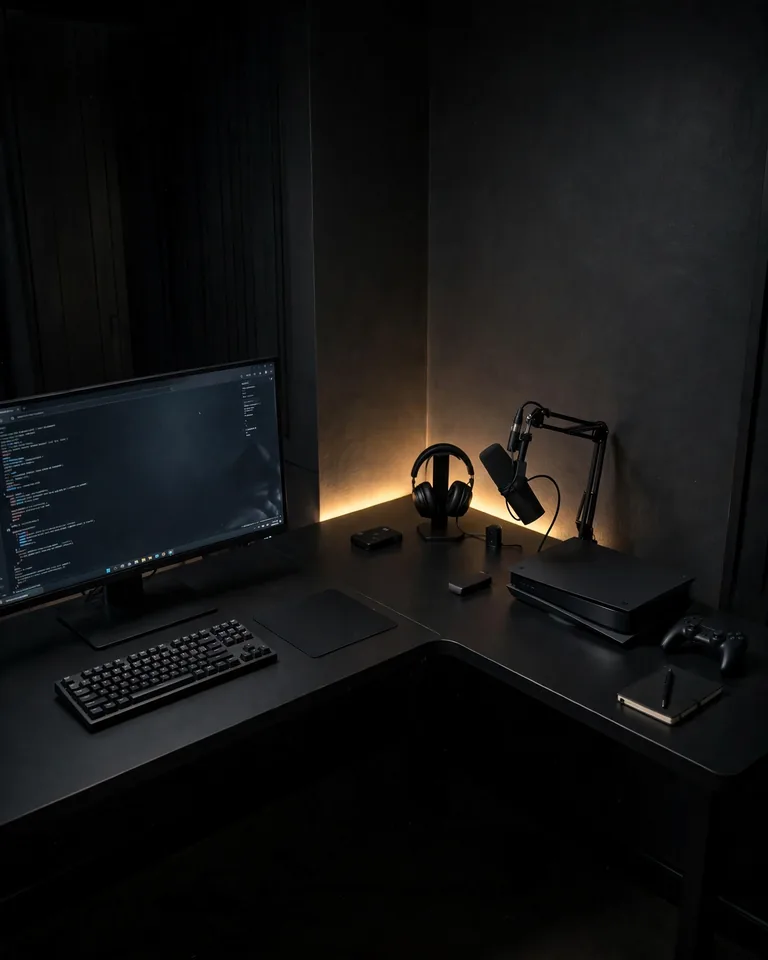
An L-shaped desk turns an ignored corner into a command center: gaming on the main run, streaming gear or schoolwork on the return. Give each run one clear job, or the extra surface becomes a landing strip for cups, spare cables, and dead peripherals.
Practical tip: Mount the monitor arm in the corner itself to free up the most surface, and run a single corner LED strip to outline the desk’s shape. If the space is awkwardly shaped, borrow layout logic from narrow-room furniture arrangement — it is the same problem of making every inch earn its place.
12. Black Console Gaming Lounge With a Wall-Mounted TV
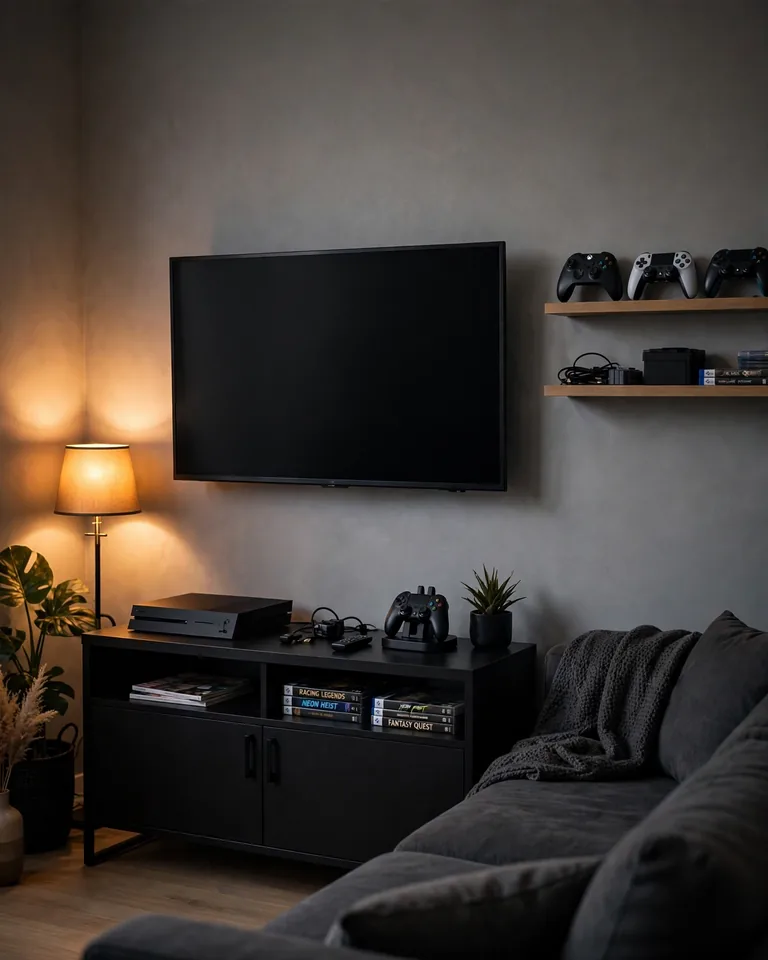
Not every gaming setup needs a desk. A wall-mounted TV, a low black media console, a dark sofa, and one warm light source make a console lounge that looks designed rather than default. Black furniture against a mid-tone wall — not a black wall — keeps the room from feeling like a sealed cave.
Practical tip: Route the console, soundbar, and charging cables through the wall or a black cable raceway behind the console. Floating shelves for controllers keep the coffee table clear, and the same TV-and-fireplace layout rules apply to viewing distance and seating angles.
Quick Answers: Black Gaming Setups
What lighting works best for a black-themed gaming setup?
Layered lighting: one soft ambient source (warm white is easiest on the eyes), one bias light behind the monitor, and one accent color used sparingly. Diffused strips beat exposed LED dots, and a single accent color always looks more expensive than rainbow mode. If your desk sits near a window, plan for daylight first — these window light-control ideas help you kill screen glare without heavy curtains.
How do I hide cables in a black gaming setup?
Use a black under-desk cable tray as the main home for every wire, sleeve the visible runs in black braided sleeves, and switch to wireless peripherals where you can. Route everything to one power strip mounted under the desk, and bundle monitor cables with velcro ties so the back of the desk photographs as clean as the front.
How do I keep my black gaming setup clean?
Black surfaces show dust and fingerprints faster than any other color, so wipe the desk and peripherals weekly with a microfiber cloth and choose matte finishes over gloss. A large desk mat absorbs most of the grime from your hands and is easier to clean than the desk itself.
Does a black gaming setup affect gaming performance?
No. Color choices do not change frame rates — airflow, cooling, and component selection do. If anything, an all-black PC case with good fan placement performs identically to a white one; just do not block the intakes with RGB strips and glass for the sake of looks.
What are budget-friendly upgrades for a stylish black gaming setup?
Start with lighting and cable management — a $15 LED strip and a $20 cable tray deliver more visual upgrade per dollar than any peripheral. Then add a matte black desk mat, spray-paint mismatched accessories matte black to unify them, and save for one high-impact piece like a monitor arm or a good chair.
A black gaming setup rewards restraint: fewer colors, fewer cables, fewer objects. Pick the ideas that fit your room, build them one at a time, and let the black do the talking.