12 Gaming Room Ideas for Couples That Leave Room for Both Players
A great couples gaming room is not two solo setups shoved into the same space. It is one room where both players have their own station, their own reach space, and their own outlet — while the whole thing still looks like it was designed on purpose. The fastest way to get there is to plan the layout and the power before you buy anything.
That sounds unglamorous, but it is what separates the rooms you see all over Pinterest from the ones that slowly turn into cable nests and elbow fights. Two PCs, two monitors (or four), two sets of peripherals, charging for headsets and controllers, plus lighting — you are easily pulling as much electricity as a small kitchen appliance setup, and all of it needs somewhere to plug in. The twelve ideas below cover layouts for big rooms and tiny apartments, console couples and PC duos, renters and streamers — and every one of them leaves room for both players.

Before You Buy Anything: The Practical Stuff First
Map your outlets and circuits before you fall in love with a desk. Two gaming PCs plus monitors and lighting can draw 600 to 1,200 watts between them, and most bedroom circuits are only rated for 1,800 watts total — add a space heater or a PC on the same breaker and you will learn what a tripped breaker feels like mid-match. Use two separate wall circuits if you can, put both PCs on a quality surge protector with enough outlets, and keep the cable route planned from day one: two setups double the cables, so an under-desk tray and adhesive cable channels are not optional extras.
Then measure twice. Mark both desk footprints on the floor with painter’s tape, roll both chairs back, and check that two people can stand up without chair backs colliding. If the taped plan only works while everyone stays seated, it does not work. Finally, settle the ground rules: matching or contrasting styles, who controls the shared lighting, and what happens when one person sleeps while the other plays — deciding that now prevents real arguments later.

1. The Symmetrical Side-by-Side Wall
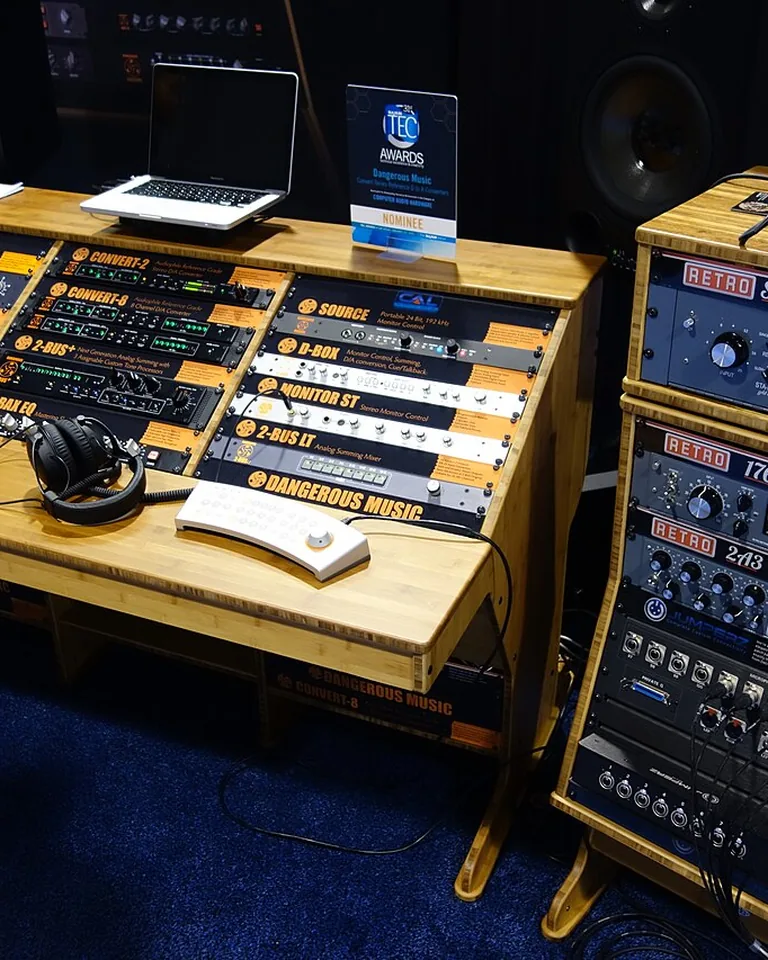
This is the classic couples setup for a reason: two matching desks (or one long countertop) against a single wall, monitors mirrored, chairs paired. The symmetry makes even mismatched hardware look intentional, and sitting side by side is unbeatable for co-op games, shared reactions, and passing the snacks.
Matching monitor arms matter more than matching monitors — even a 27-inch and a 32-inch screen look unified when they float at the same height on identical arms. Keep the middle of the desk clear as shared territory for controllers, drinks, and the inevitable snack bowl.
Tip: Run one oversized felt desk mat across both stations instead of two small ones. It visually stitches the two halves together and dampens keyboard noise so neither of you hears the other’s keys.
2. One Extra-Long Shared Desk, Two Defined Zones
If two separate desks leave an awkward gap in the middle, go continuous. A single 80-to-94-inch desktop — a butcher-block countertop on sturdy legs is the budget classic — creates one seamless surface with two clear zones, and it is usually cheaper and more rigid than two desks pushed together.
Divide the surface visually instead of physically: each player gets their own lighting color, desk mat shade, or accessory palette, and the desk reads as “ours” rather than “mine next to yours.” Warm wood tones are especially forgiving here, since they soften the black-box look of two gaming PCs.
Tip: Leave the center third relatively clear. That shared zone is where controllers, headphones, and drinks land during a session — if it fills with clutter, both setups feel cramped.
3. The L-Shaped Corner Layout for Small Rooms
The corner of a room is dead space in most homes, but it is prime real estate for two gamers. An L-shaped desk (or two desks meeting at a right angle) gives each player their own surface and viewing angle without either station competing for the same line of sight.
Put the more serious setup along the longer run and the lighter station — a console hookup, a laptop dock, a handheld corner — on the shorter return. Keep the inner corner free of gear that needs frequent reaching, and leave a clear standing route between both chairs and the door.
Tip: Wall-mount both monitors on arms to free up the corner worktop. In a small room, reclaimed desk surface is more valuable than any decoration.
4. Back-to-Back Stations for Different Play Schedules
Not every couple games at the same time. If one of you is a night owl and the other keeps normal hours, back-to-back stations — each player facing opposite walls or opposite ends of a divided room — give you the same room without the same distractions.
This layout shines in a gaming room that shares space with a bedroom or office: one player can game with a headset while the other sleeps or works, especially with window coverings that cut monitor glare and blackout curtains for daytime sleepers. A simple rug or open bookshelf between the two sides softens sound without building a wall.
Tip: Agree on independent lighting controls. The person gaming needs task light; the person resting needs the room dim — two smart bulbs on separate scenes solve this in one purchase.
5. The Cozy Couch Co-Op Corner
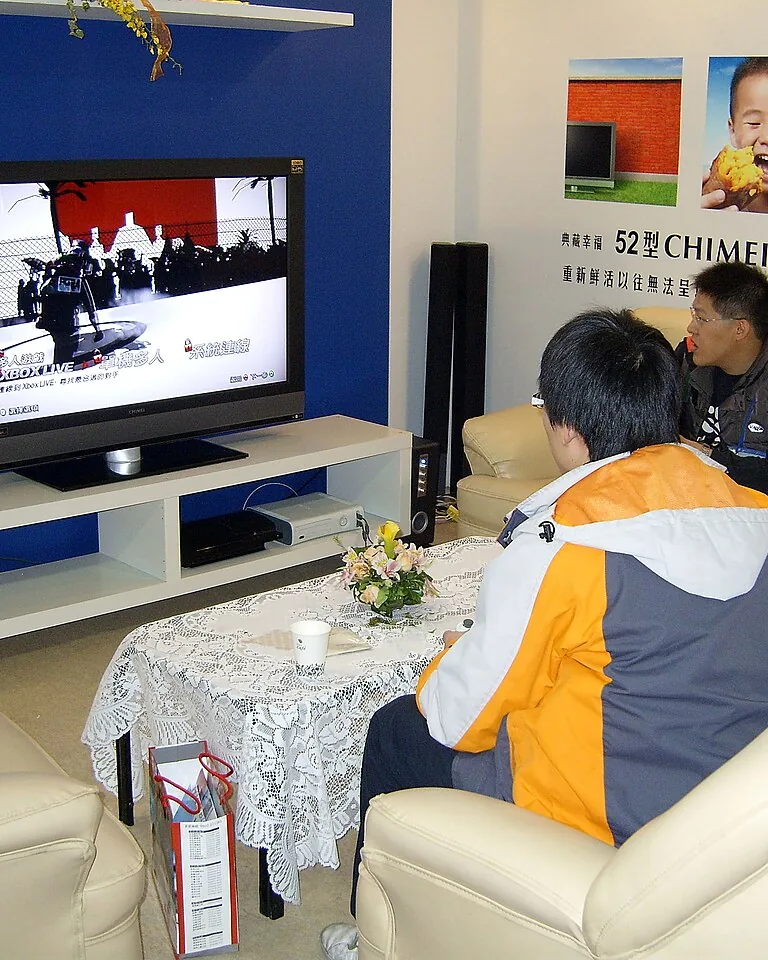
Not every gaming couple is a PC duo. If your nights are split-screen adventures, party games, and story campaigns together, skip the second desk entirely and build a proper console corner: a comfortable sectional or two deep armchairs, a wall-mounted TV at seated eye level, and floating shelves for the consoles.
RGB backlighting behind the TV gives the wall a cinematic glow without turning the room into a nightclub, and a storage ottoman swallows controllers, headsets, and charging cables between sessions. Flexible guest seating — a pouf or two — turns game night into a group night whenever friends come over.
Tip: Mount the TV so the center of the screen sits at seated eye level, about 36 to 42 inches off the floor. Too high and both of you end up with neck strain by the second hour.
6. A Retro Arcade Corner for the Nostalgic Duo
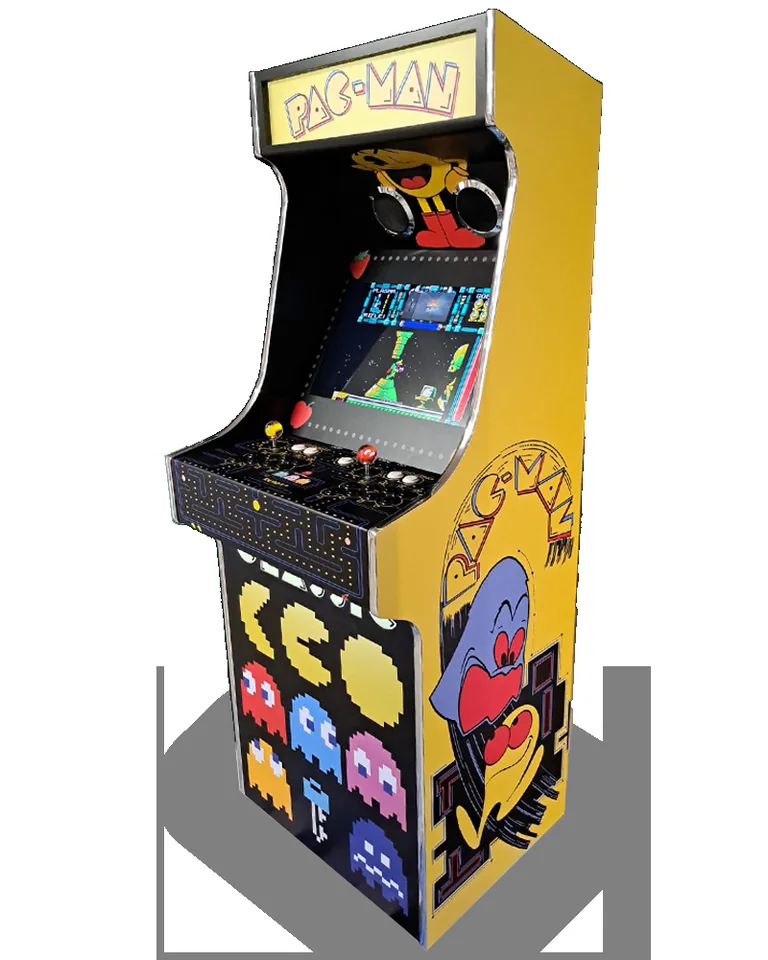
One statement piece can carry an entire gaming room, and nothing does it like a retro arcade cabinet. Whether it is a full-size cabinet or a compact tabletop unit, it anchors the room’s theme and gives you a shared “remember this?” machine that never needs updating.
Place your two modern stations nearby on warm-wood desks so old and new hardware feel like one collection rather than two eras arguing. Framed prints from your favorite games and a small, edited display of collectibles add personality — curate them, though, because every shelf does not need a sequel.
Tip: Leave comfortable clearance in front of the cabinet — players stand back a little from arcade screens, and cramped corners kill the nostalgia fast.
7. The Budget Duo: Match the Furniture, Not the Gear
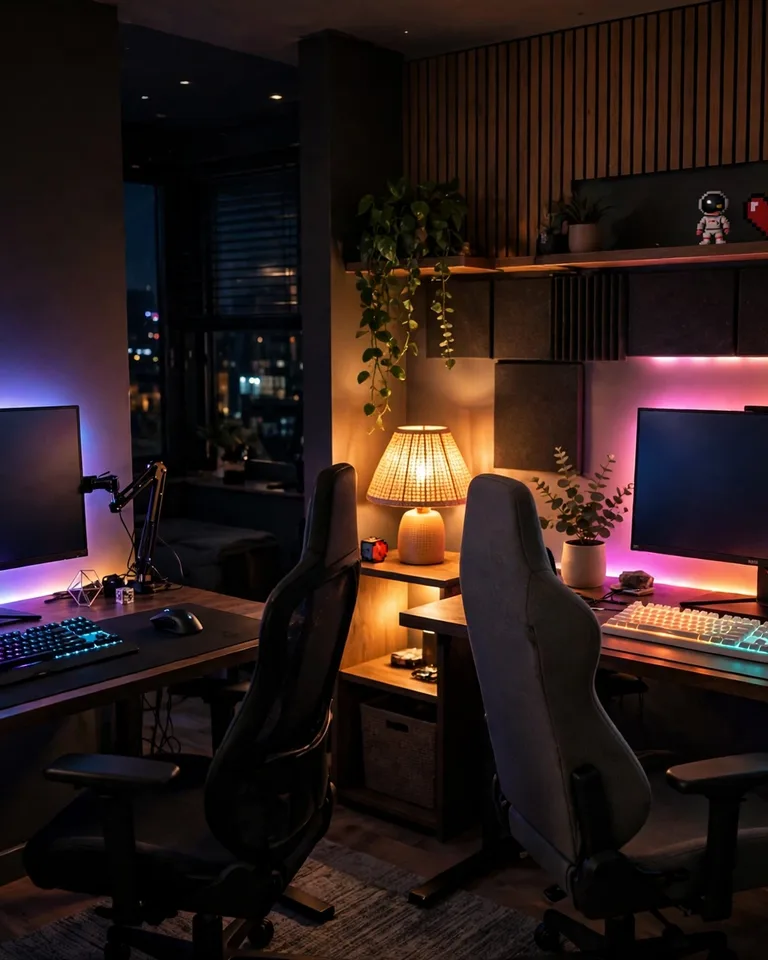
A couples gaming room does not require two top-tier rigs on day one. The visual cohesion comes from the furniture, not the hardware: two matching desks, two matching chairs, and matching desk mats make a pair of completely different PCs look like a deliberate setup.
Hunt for the furniture secondhand or build the desktops yourself — a solid-core door slab on adjustable legs is the classic budget battlestation. Spend the savings where they matter most for two people sharing a room: good chairs, a surge protector with enough outlets, and lighting.
Tip: Buy the chairs as a matched pair. Mismatched chairs are the single fastest way to make a shared setup look accidental.
8. The Rental-Friendly Setup With Zero Drilling

Renters can have a great couples gaming room without touching a single wall. Freestanding monitor stands replace wall mounts, floor-standing LED light bars replace wall panels, and adhesive cable raceways (the kind that peel off cleanly) keep two PCs’ worth of cables off the floor.
Lean into furniture that does double duty: a tall open bookshelf divides the room and holds games, while a rug defines the gaming zone so the space feels intentional instead of temporary. Stick to freestanding acoustic panels on stands rather than foam tiles glued to the wall — your security deposit will thank you.
Tip: Route every cable under the desks and up through adhesive channels before you plug anything in. Retrofitting cable management around live equipment takes three times as long.
9. A Shared Projector Wall for Gaming and Movie Nights
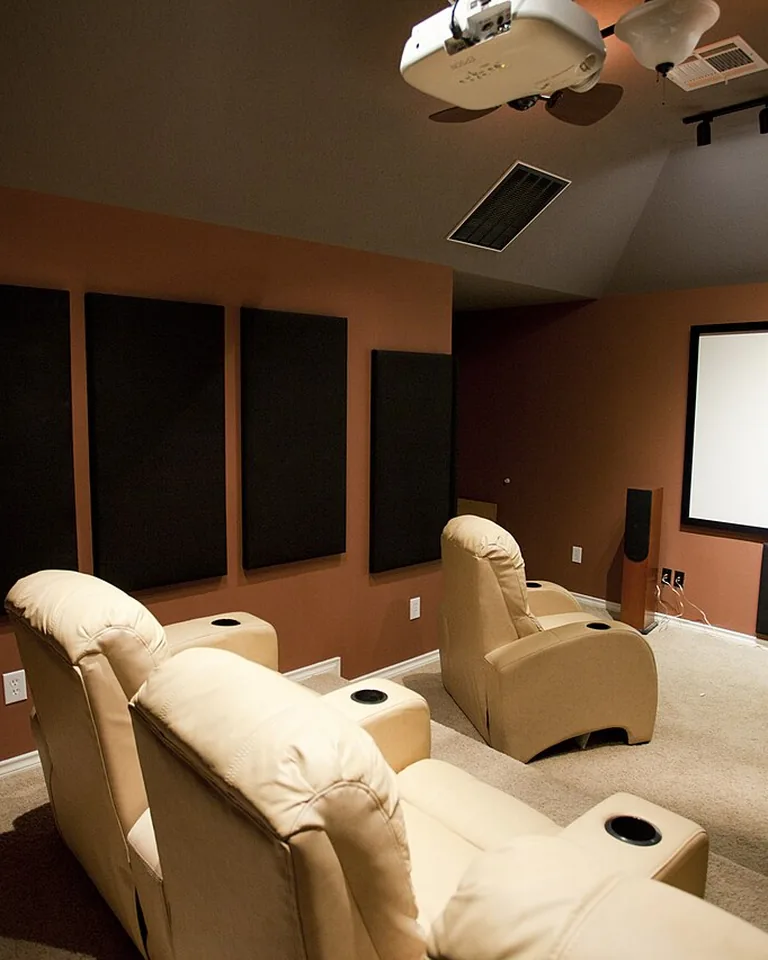
Every great shared room needs a focal point, and a projector screen is the one that turns a gaming room into a date-night room. Mount (or ceiling-mount) a projector, leave one wall blank or hang a pull-down screen, and both of you get big-screen co-op plus a proper cinema for movies.
Build the layout around the screen: desks along the side walls, seating facing the focal wall, and warm dimmable lighting so the room transitions from bright work mode to dark cinema mode in seconds. Layer in soft textiles and a little greenery so the space feels welcoming when the projector is off.
Tip: Plan for total darkness — blackout curtains matter more for a projector than for any monitor. Even a little stray light washes out the image.
10. The Gaming-and-Office Double-Duty Room
Most couples do not have a spare room just for gaming, so the smartest layouts serve two purposes. Two adjustable-height desks let both of you stand for work and sit for play, and monitor arms make the switch from spreadsheet to game seamless — literally, since you never move the screen.
Lighting is what separates the two modes: bright, neutral task light for work hours, then warm bias lighting behind the monitors and low ambient glow for the evening session. Smart bulbs or LED strips on scenes make the transition a single button press.
Tip: Give work gear and game gear separate homes. A small shelf or drawer each for headsets, controllers, and work accessories keeps the desk from becoming a permanent pile of “I’ll sort it later.”
11. The Small-Apartment Nook That Still Feels Like a Room
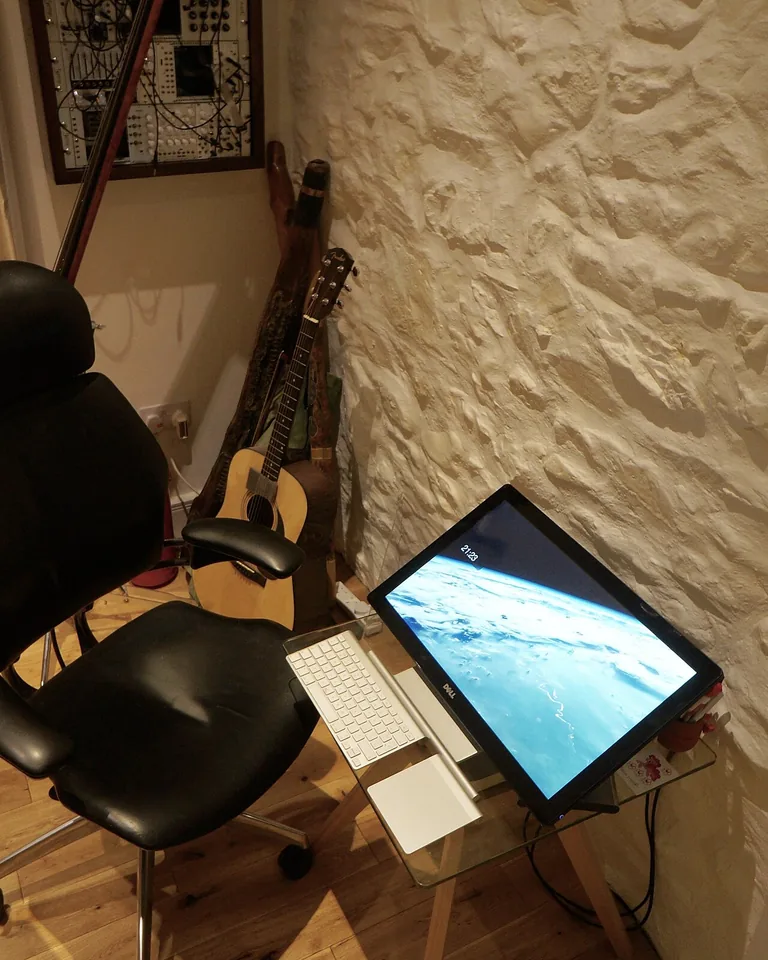
A tiny corner can absolutely hold two gamers — it just cannot hold two gamers plus oversized furniture. Choose slim desks with real depth (at least 24 inches, or monitors sit too close), compact ergonomic chairs, and vertical storage: wall shelves, pegboards, and tower PC stands that get equipment off the floor.
Keep the palette light — pale walls and light wood make a small nook feel bigger than the same layout in charcoal — and borrow the same zoning tricks used for arranging furniture in a tight room: a rug defines the zone, and clear chair clearance decides whether the nook works at all.
Tip: Go wireless wherever you can — keyboard, mouse, headset. Every cable you eliminate is a cable you do not have to manage in a small space, and modern wireless gear has banished the lag of the old days.
12. The Streaming Duo Station
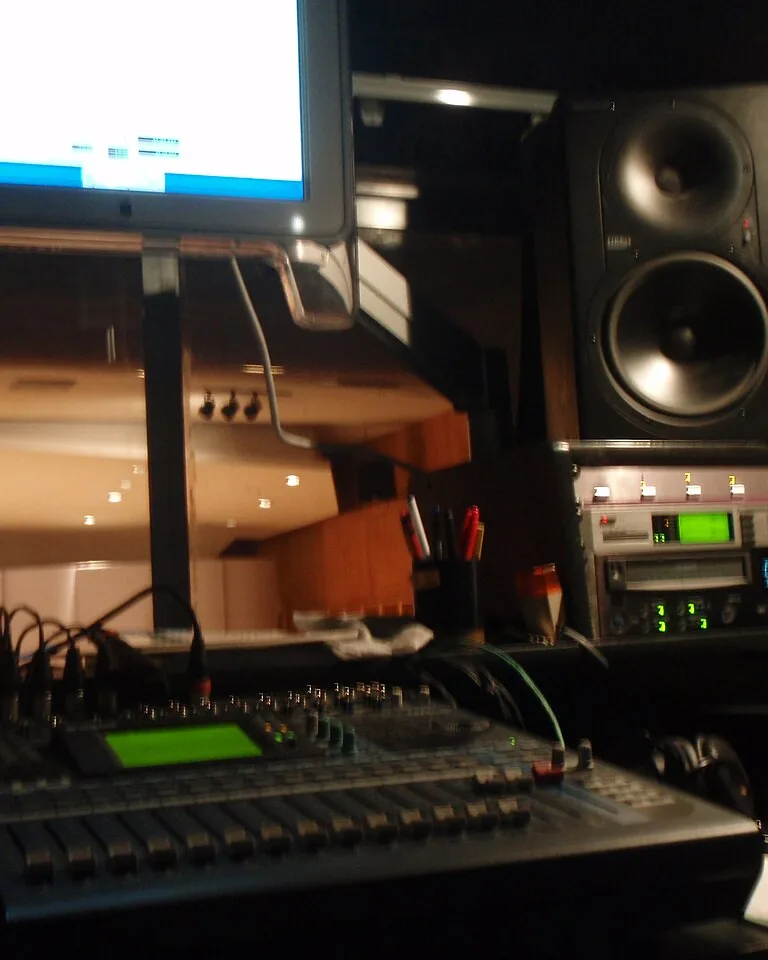
If you both stream or record together, build the room like a studio. Each side gets its own microphone on a boom arm, a camera, and a key light — and the shared wall behind you gets a coordinated backdrop: matching artwork, matching shelf styling, or one continuous light strip so the frame looks clean on both cameras.
Sound is the make-or-break detail here. Closed-back headsets (or noise-canceling earbuds) stop each player’s audio bleeding into the other’s microphone, and a few acoustic panels — geometric fabric ones double as wall art — cut down the echo that makes dual streams sound amateur.
Tip: Test both cameras’ backgrounds before you commit. What looks fine to you often reveals cluttered shelves or a bright window once the camera’s exposure kicks in.

Frequently Asked Questions
How much room do you actually need for two gaming stations?
A small spare bedroom works fine for two stations if you choose compact desks and keep chair clearance honest — most couples need about 10 by 12 feet to fit two desks, two chairs that can roll back, and a clear walkway. Larger rooms add flexibility for lounge seating, an arcade cabinet, or a projector wall, but thoughtful planning matters more than square footage.
What is the best desk setup for two people who game together?
Side-by-side desks or one extra-long shared desk are the most popular for couples who play together, since you stay connected and can share reactions. L-shaped desks suit smaller rooms and corners, while back-to-back stations work better when you keep different schedules or stream at the same time.
How do you manage cables with two PCs side by side?
Start with an under-desk cable tray on each station plus adhesive cable channels for the runs to the wall, and put both PCs on one quality surge protector so you are not fighting for outlets. Going wireless on keyboards, mice, and headsets cuts the cable count dramatically, and bundling the remaining cords with velcro ties keeps the whole thing serviceable.
How do we stop audio bleed between two setups in one room?
Closed-back headsets or noise-canceling earbuds are the single biggest fix — they keep your game audio out of your partner’s microphone and vice versa. Fabric acoustic panels or even a rug and bookshelf between the stations cut down room echo, and keeping both players’ volumes reasonable goes further than any gadget.
Should couples buy matching monitors?
Matching monitors are nice but not necessary. Matching monitor arms make a much bigger visual difference — even different-sized screens look unified when they float at the same height on identical mounts. Spend the monitor budget on the panels you each actually want, then unify the setup with matching chairs, desk mats, and lighting.