Why Your Gaming Setup Looks Messy (And 12 Fixes That Make It Look Intentional)
Your gaming setup looks messy because of visual noise, not because of the gear itself. Tangled cables, clashing colors, accessories with no permanent home, and lighting that competes for attention all shout louder than an expensive keyboard or a high-end monitor ever can.
That’s actually good news. Most of what makes a battlestation look put together costs little or nothing — it’s about editing what’s already there and giving every item a job. Here are twelve fixes that turn a cluttered-looking corner into a setup that feels intentional.
Hide the Cable Spill Before It Ruins Everything Else
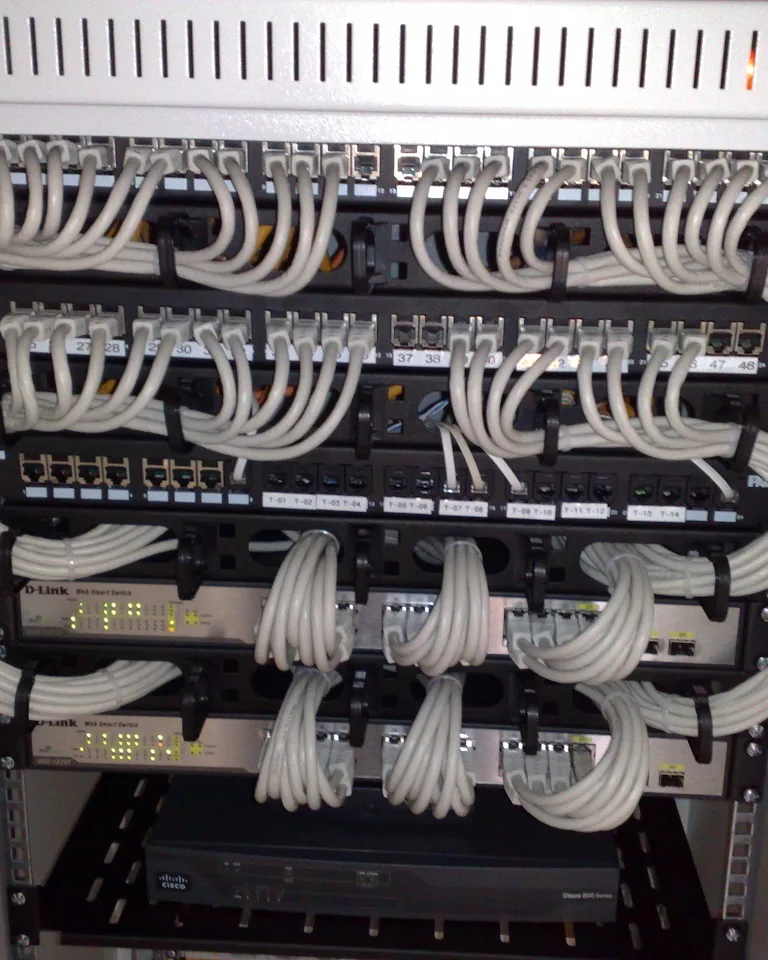
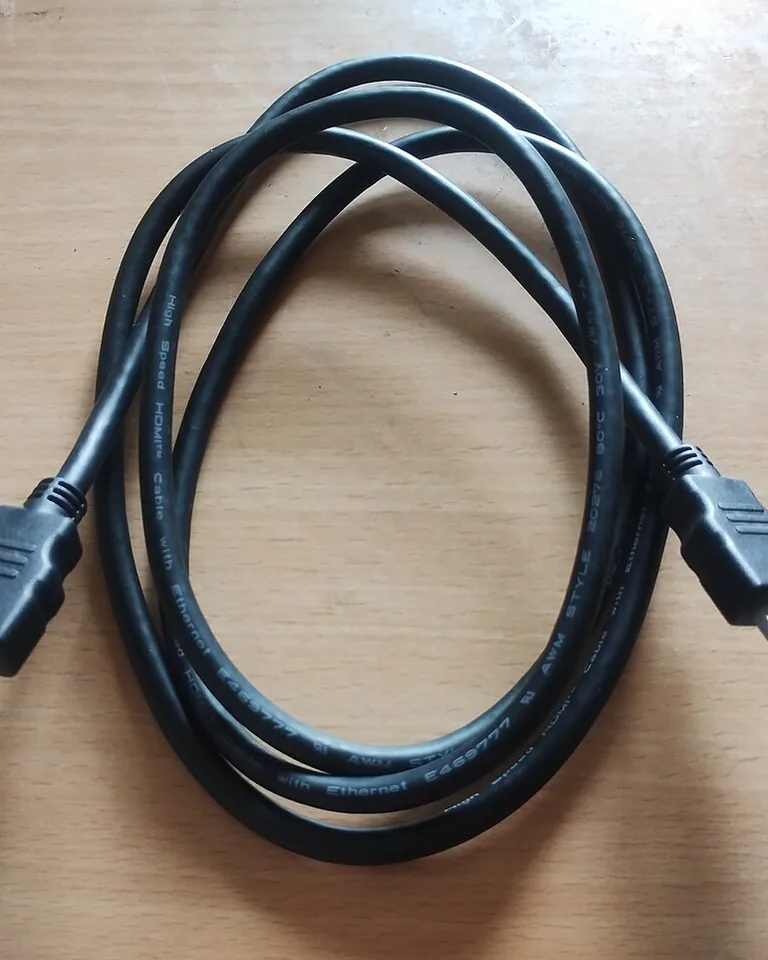
Cables are the first thing the eye lands on, and the last thing most people fix. A single power lead drooping down the wall can make an otherwise tidy desk look like a repair bench, no matter how nice the monitor is.
Practical tip: Route every cable toward the same desk leg instead of letting each wire hang on its own. Bundle the slack with reusable velcro ties and park power bricks in an under-desk tray or sleeve, keeping them off the floor.
Give Your RGB Lighting One Job Instead of Five
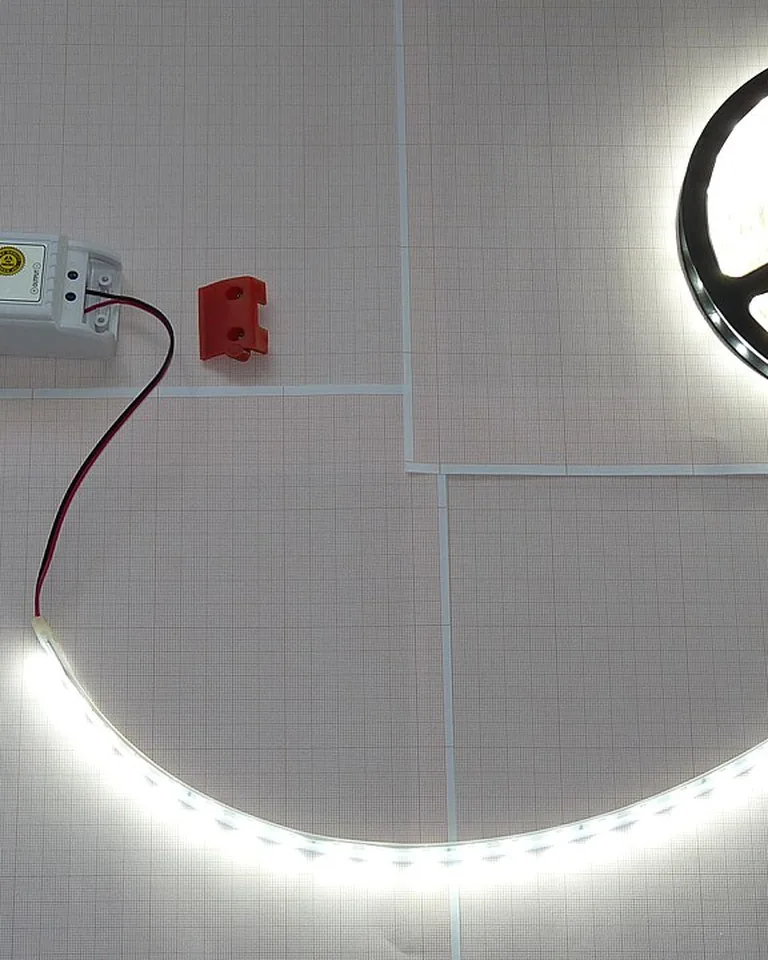
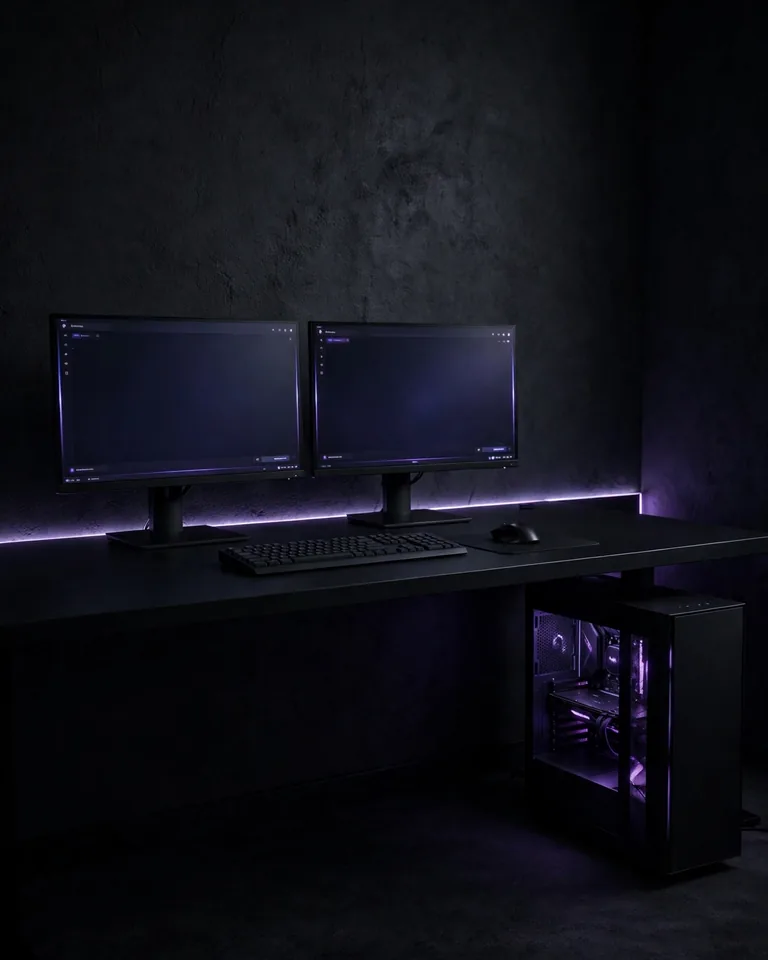
RGB is not the enemy — asking every device to perform at once is. When the keyboard cycles rainbow, the strip pulses purple, the fans glow blue, and a wall sign blares red, the whole corner turns into an electronics aisle rather than a room you relax in.
Practical tip: Pick one dominant glow — usually a light strip behind the desk or monitor — and dial everything else down. If you switch all lighting off and bring back only one effect at a time, you’ll instantly see which ones actually earn their place.
Stick to a Color Scheme You Can Actually Repeat
A black headset, a white keyboard, a walnut desk, and green LEDs can each look great alone. Together, they look like five shopping carts collided. The brain reads variety as clutter, even when the desk is clean.
Practical tip: Choose one base color, one supporting neutral, and one accent, then repeat the accent in two or three spots — the desk mat, the wallpaper, the strip behind the monitor. Try turning the RGB off: if the desk still looks busy, the palette needs editing, not more light.
Zone Your Desktop Like It Has Separate Rooms

A crowded desk usually has no boundaries. The controller lands on the mouse pad, a charging cable slices through keyboard space, and a notebook sits exactly where your mouse needs to travel.
Practical tip: Split the surface into a play zone (monitor, keyboard, mouse), a reach zone (controller, headphones, dock), and a utility zone (chargers, notebooks, less-used gear). Arrange by how often you touch each item, not by what it cost. A large desk mat works well to mark the play zone visibly.
Line Your Monitors Up Before Buying More Accessories

Two monitors at different heights make the entire station feel accidentally assembled, and one off-center screen pulls the eye sideways no matter how clean the desk is.
Practical tip: Center the main display directly in front of your chair, level the top edges of matching monitors, and angle side screens toward your seat. Judge the result sitting down, not standing over the desk — the seated view is the one that matters.
Get the Monitor Off Its Bulky Stand

Stock monitor stands eat a surprising amount of desk real estate. Replacing one with a clamp-on arm instantly opens up the surface beneath the screen for a keyboard, a notebook, or just breathing room.
Practical tip: A single VESA arm also makes height and tilt adjustments effortless, so the screen stays at eye level. If you rent, a freestanding monitor stand works without drilling and looks nearly as clean as a wall mount.
Give Your Headset and Controllers a Permanent Parking Spot

Nothing makes a setup look unfinished faster than gear abandoned wherever it landed — headphones stretched over the monitor, a controller balancing on the keyboard, a charging lead draped across the desk.
Practical tip: Mount a headphone hook under the desk edge, keep the controller on a small stable stand in the reach zone, and place the charging dock near a power source so the cable never crosses the play area. Storage that takes one hand beats storage that takes two.
Audit What’s Actually on the Desk
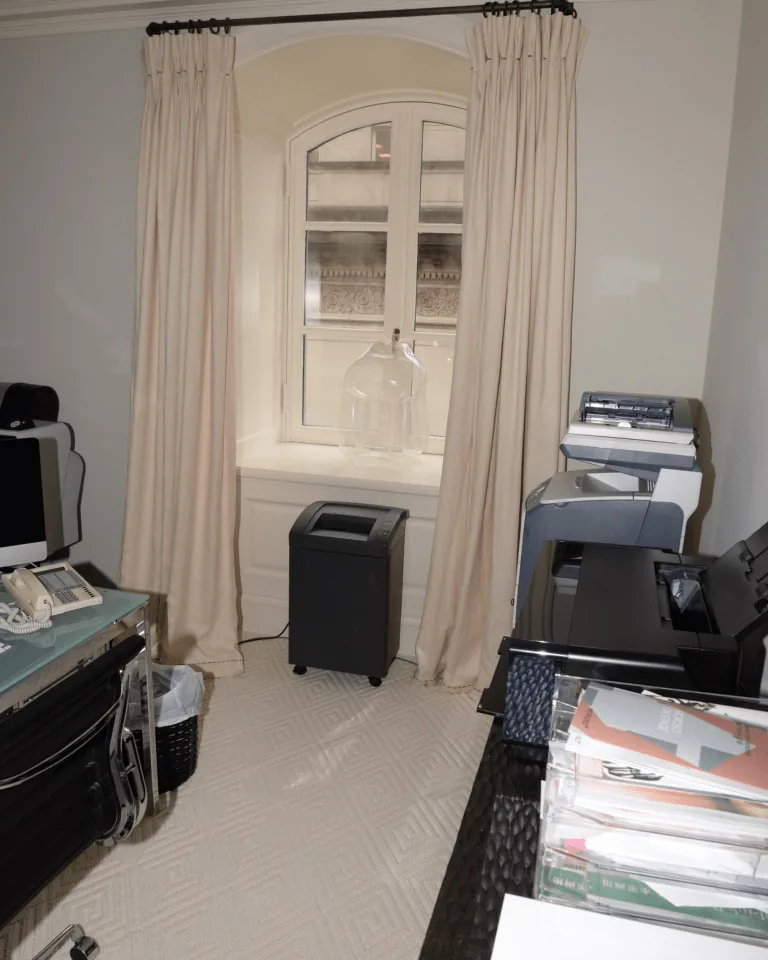
Old boxes, spare adapters, a backup headset, and three cables you can’t identify quietly consume the space meant for gaming. Each one is small; together they’re a landfill with a power button.
Practical tip: Sort everything into daily use, occasional use, and barely touched. Keep only daily drivers on the surface, move occasional gear to a drawer or shelf, and rehome the rest. The goal is not an empty desk — it’s a desk where every object earns its place.
Match Finishes, Not Logos
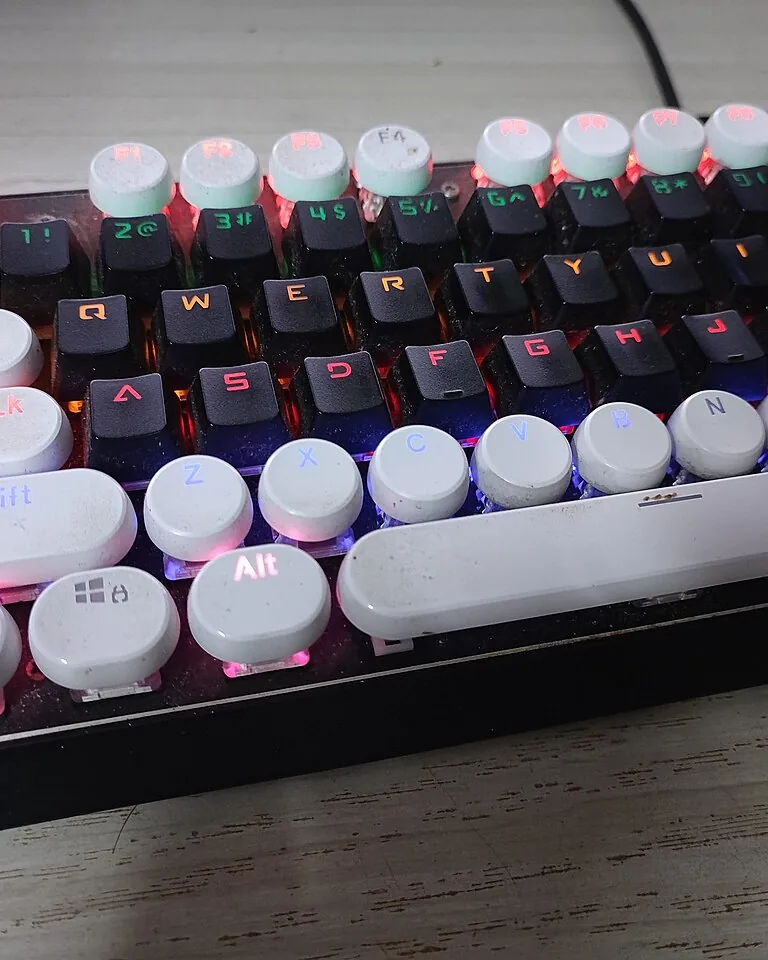
Three premium accessories can still look disconnected when one is glossy plastic, another is brushed metal, and the third looks like it arrived from another decade. Matching brands don’t create cohesion; matching materials do.
Practical tip: Before buying anything new, compare its finish against the desk, monitor, and keyboard already in place. Matte black peripherals pair naturally with dark desk accessories; white gear sits well with pale wood and soft gray. Repeat one finish and the whole desk calms down.
Fix the Back of the Desk, Not Just the Front
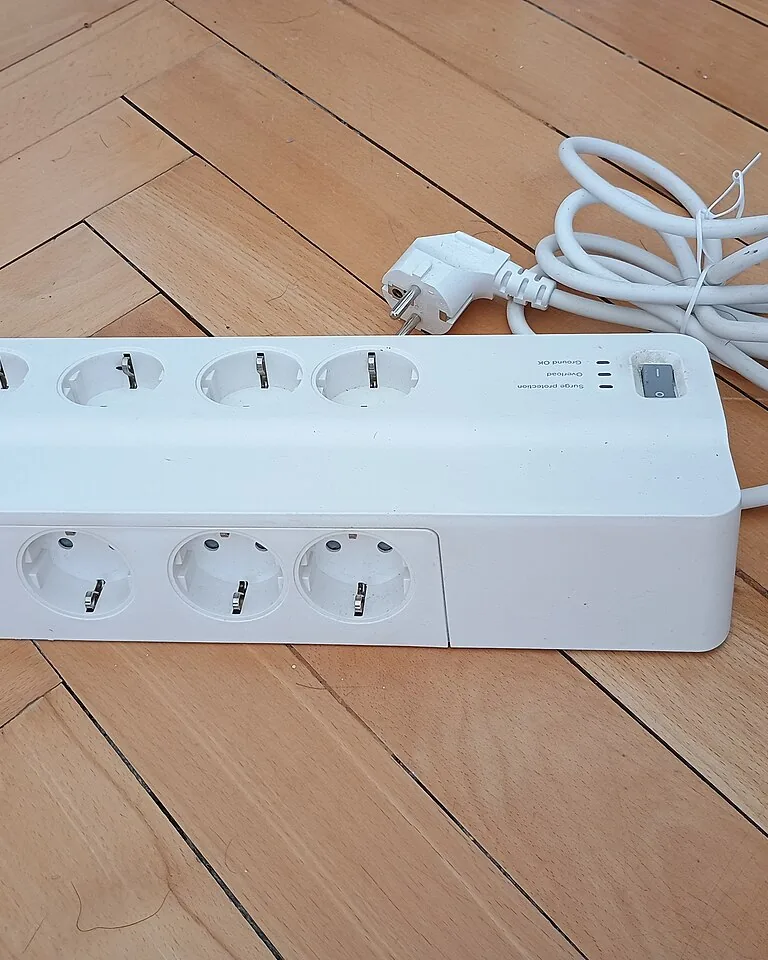
Your setup looks fine from the chair but chaotic from the doorway — that’s the back of the desk talking. Loose power strips, dangling plugs, and wire waterfalls show up in photos and room views even when the desktop is spotless.
Practical tip: Mount the power strip under the desk or behind it, run a cable spine down the leg, and secure every drop with clips. A quick phone photo from the room entrance reveals what the seated view hides.
Tidy the Screen Itself

The monitor is the largest visual surface in the setup. A chaotic wallpaper with a hundred desktop icons can undermine a spotless desk, because the screen is what the eye keeps returning to.
Practical tip: Pick a background that supports your palette — dark setups suit muted gradients and simple graphic patterns; light setups suit calm illustrations and soft tones. Group the remaining shortcuts into folders instead of scattering them across the screen.
Pick One Statement Piece and Calm Down the Rest

Ten small decorations scattered around a setup read as clutter. One deliberate focal piece — a framed poster, a quality figurine, a plant — reads as design. The difference is not budget; it’s commitment.
Practical tip: Choose a single decor anchor for the wall or shelf behind the monitors, and remove or relocate everything else that competes with it. If you want greenery, one healthy plant adds more life than a crowd of dusty trinkets — see these greenery bedroom ideas for low-maintenance options that suit a gaming corner.

If glare keeps fighting your screen while you rearrange, the window itself may be the problem — here are practical ways to cover windows without curtains that control light without killing the room’s brightness. And if the desk sits in a tight room, these ideas for arranging furniture in narrow rooms translate well to zoning a gaming corner.
Frequently Asked Questions
What are the most common gaming desk setup mistakes?
Poor cable management, mismatched monitor heights, clashing colors and finishes, harsh or competing RGB lighting, and keeping gear you don’t use on the desk. Most of these are layout problems, not hardware problems, so they cost little to fix.
How do I manage cables on my gaming desk?
Route all cables toward one desk leg, bundle slack with reusable velcro ties, and store power bricks in an under-desk tray or sleeve. Velcro beats zip ties because you’ll change the setup eventually, and cutting zip ties risks nicking the cables.
Why does my gaming setup get so dusty?
Gaming PCs move a lot of air to stay cool, which pulls dust toward the desk and components. Wiping surfaces and peripherals with a microfiber cloth every few days prevents the grimy buildup that makes even tidy setups look neglected.
How often should I clean my gaming setup?
Wipe down the desk and peripherals every few days, and deep-clean the PC’s filters and vents every three to six months. Regular short resets beat occasional marathon cleanups — and they keep dust from quietly making the setup look messy.
What quick fixes improve a messy gaming desk setup?
Declutter the surface, align your monitors, bundle the cables under the desk, switch RGB to one accent color, and give headphones and controllers a fixed spot. Those five changes transform the look in an afternoon without buying new gear.